
Famelack guides
Famelack Guides
Setup walkthroughs, viewing guides, and playback fixes for Famelack, written from testing on real phones and a real TV: the globe, the lists, the radio, and the big screen.
 Guide Famelack for PC: Watch Live World TV on a Computer Famelack is an Android app, so PC viewing runs through an Android emulator or the web. This guide covers both routes, the setup, and the honest limits. Read guide →
  Guide Famelack Not Working: Fixes for Dead Channels and Failed Playback When Famelack misbehaves it is usually one of five things: a dead source, a stale cache, a network change, a region rule, or a tired install. This guide works through them in order. Read guide →
  Guide Famelack Buffering: How to Steady a Live Stream Live streams buffer for a short list of reasons: weak signal, a busy network, an overloaded source, or a phone working too hard. Here is how to find yours and fix it. Read guide →
  Guide Famelack on Smart TV and Firestick: Big Screen Setup Famelack belongs on the big screen for matches and movies. This guide covers Android TV and Google TV directly, plus the Firestick route, remote friendly navigation, and smooth playback settings. Read guide →
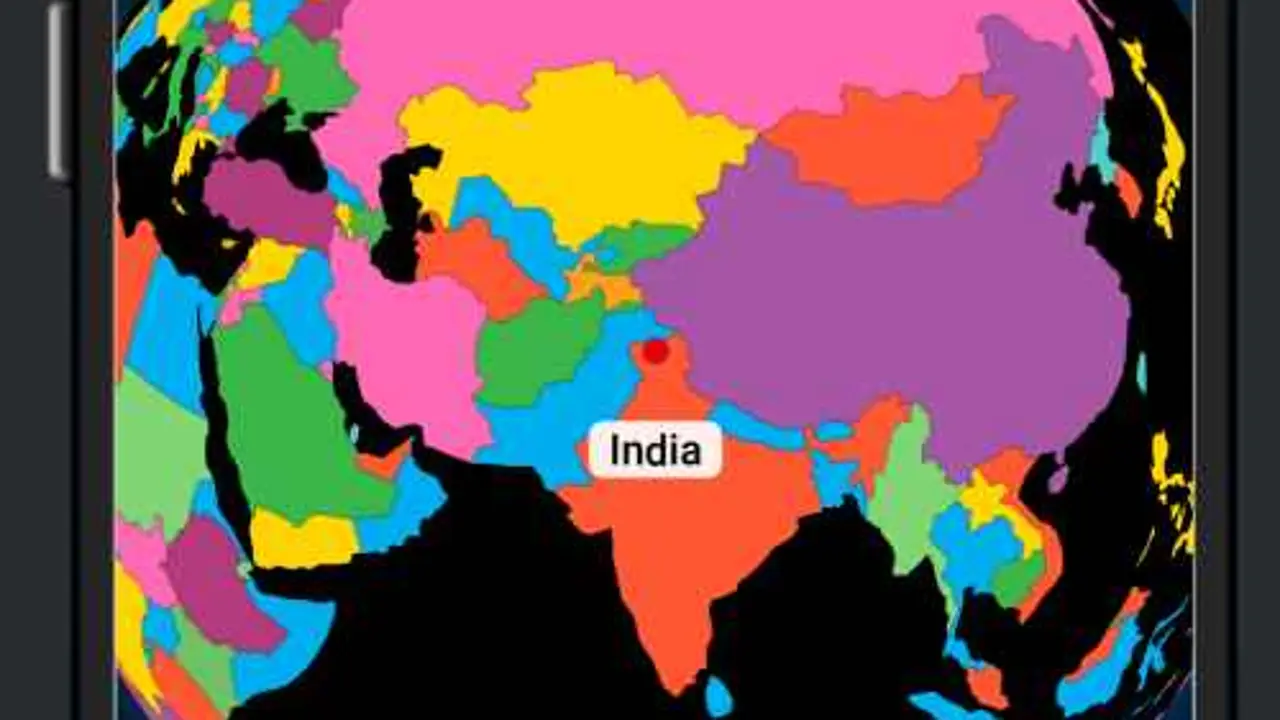
  Guide The Famelack 3D Globe: Finding Channels by Country The spinning globe is how Famelack thinks: the world first, channels second. This guide shows how to use it well, when to skip it for lists and search, and the browsing habits that find good channels fast. Read guide →
  Guide Famelack Radio Mode: Live Stations From Around the World Radio mode turns Famelack into a world radio: stations by country and category that play in the background and sip data. This guide covers finding stations, background listening, and why radio survives weak signals. Read guide →
  Guide Famelack Favourites: Building a Channel List That Stays Put Favourites are where Famelack becomes yours: a short, private, on device list of the channels and stations you actually watch. This guide covers building it well and keeping it safe across updates. Read guide →
  Guide Famelack Search and Filters: Finding a Channel in Seconds A thousand channels need a fast finder. This guide covers Famelack search habits, filtering a long country list, and the naming traps that make a channel seem missing when it is not. Read guide →
  Guide Famelack Channel Categories Explained: News, Sports, Movies, Kids and Music The Explore menu is Famelack's topic map: All Channels, Top News, News, Music, Sports, Animation, Business, Classic, Comedy, Cooking, Culture, Documentary, Education and more. Here is what each shelf holds and when to use it. Read guide →
 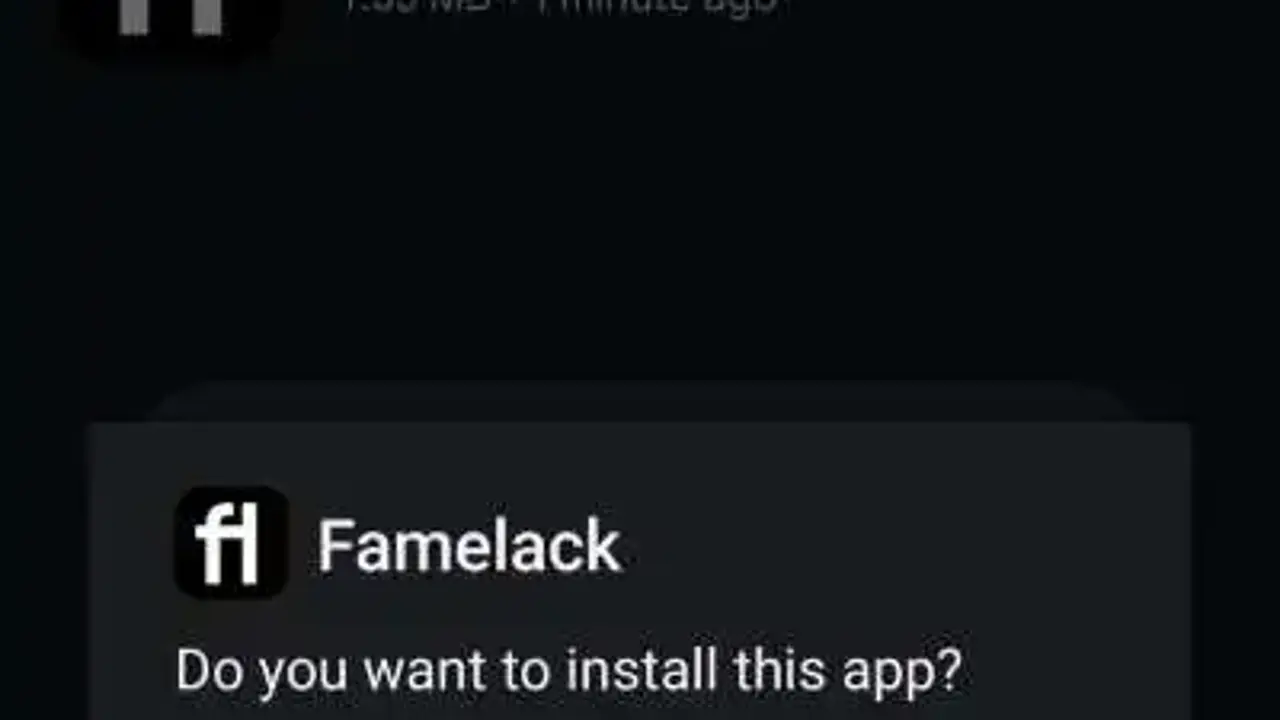 Guide Famelack Safe Install Checklist for Android Installing any APK deserves a checklist, not luck. This is the exact one we run: the right source, the size check, the package name, the permission read, and the first launch tests. Read guide →
  Guide How Much Data Does Famelack Use? Live TV Streaming Explained Live TV data use depends on stream quality and session length, not on the app. This guide explains the moving parts, the radio difference, and the habits that keep a mobile data budget intact. Read guide →
 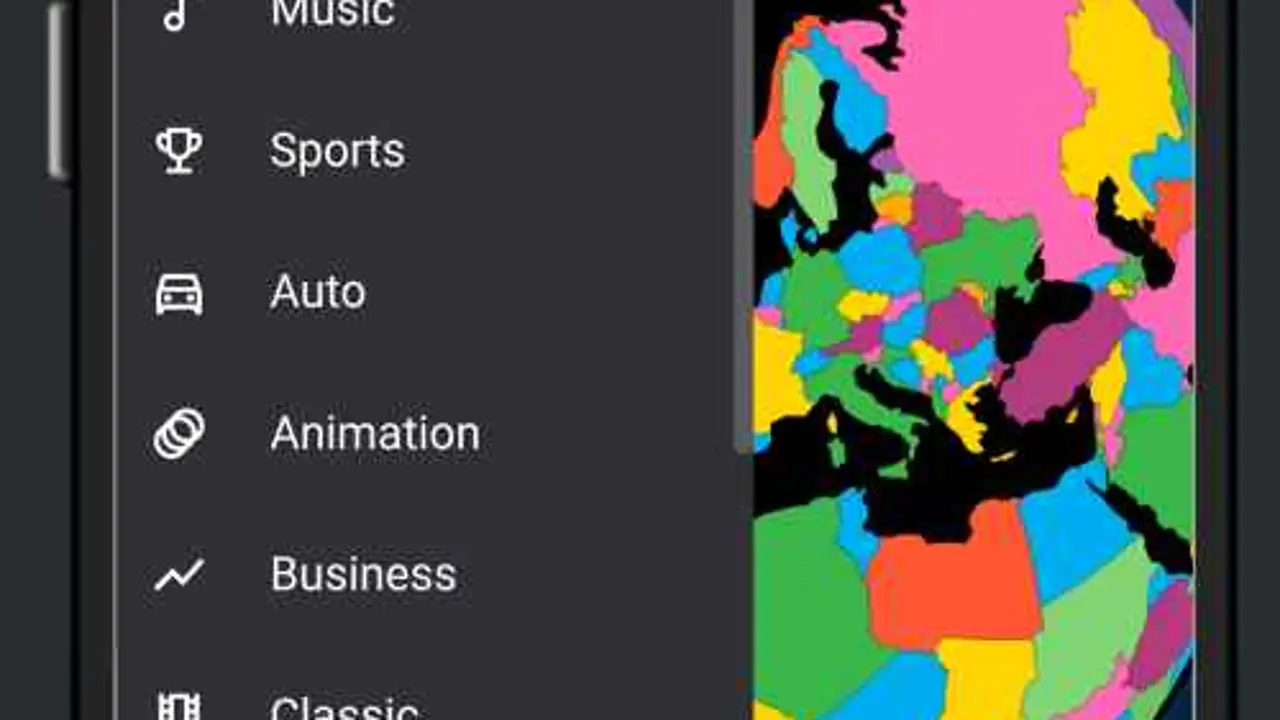 Guide Famelack Webcams: Watching Live Places Around the World Webcams are Famelack's quiet delight: live cameras on beaches, harbours, city squares, mountains and wildlife spots, explorable from the same globe as the TV. This guide shows how to find and enjoy them. Read guide →
  Guide Famelack on an Older Android Phone: What Still Works A 6.4 MB app that asks for Android 6.0 is a gift to older phones. This guide covers what an ageing handset handles well in Famelack, what to temper, and the settings that keep it smooth. Read guide →
  Guide Update Famelack Without Losing Your Favourites Favourites live on the device, so updating the wrong way erases them. This guide gives the safe over the top sequence, the checks to run, and what to do if a list is already gone. Read guide →
  Guide Famelack Picture in Picture: Watching While You Do Other Things Picture in picture shrinks the player into a floating window, so a channel keeps playing while messages get answered. This guide covers using it well and knowing when full screen deserves your full attention. Read guide →